
Rule build_natura_raster#
![digraph snakemake_dag {
graph [bgcolor=white,
margin=0,
size="8,5"
];
node [fontname=sans,
fontsize=10,
penwidth=2,
shape=box,
style=rounded
];
edge [color=grey,
penwidth=2
];
9 [color="0.22 0.6 0.85",
label=build_renewable_profiles];
12 [color="0.31 0.6 0.85",
fillcolor=gray,
label=build_natura_raster,
style=filled];
12 -> 9;
}](../_images/graphviz-d95b670586e01b1fbec0e172803976f357793fdc.png)
Converts vectordata or known as shapefiles (i.e. used for geopandas/shapely) to our cutout rasters. The Protected Planet Data on protected areas is aggregated to all cutout regions.
Relevant Settings#
renewable:
    {technology}:
        cutout:
See also
Documentation of the configuration file config.yaml at
renewable
Inputs#
data/landcover/world_protected_areas/*.shp: shapefiles representing the world protected areas, such as the World Database of Protected Areas (WDPA).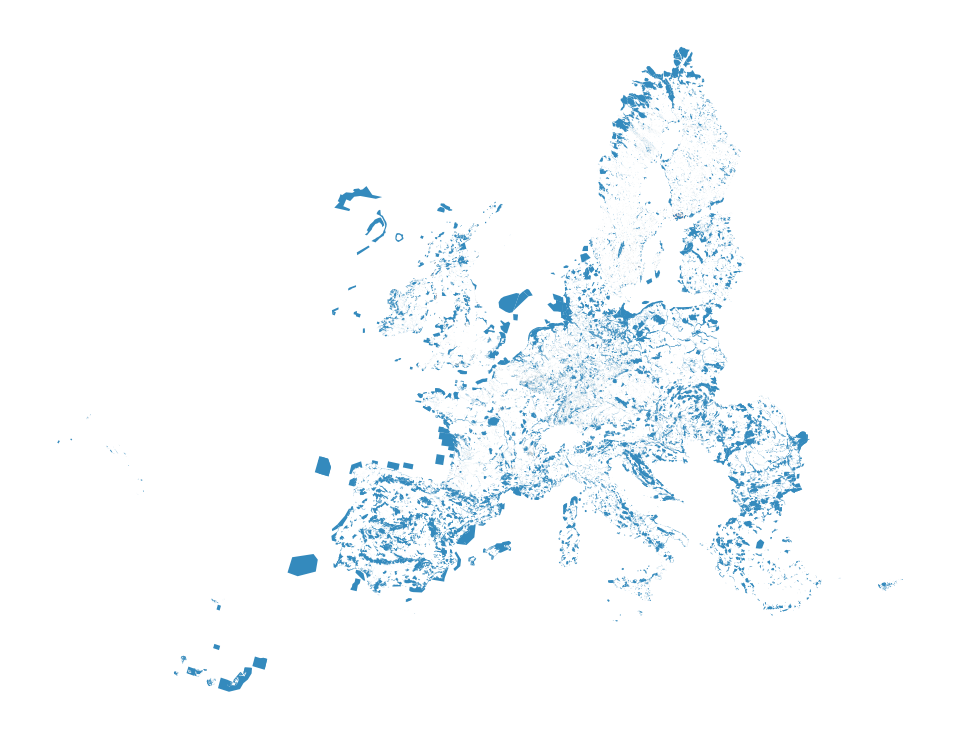
Outputs#
resources/natura/natura.tiff: Rasterized version of the world protected areas, such as WDPA natural protection areas to reduce computation times.
Description#
To operate the script you need all input files.
This script collects all shapefiles available in the folder data/landcover/* describing regions of protected areas, merges them to one shapefile, and create a rasterized version of the region, that covers the region described by the cutout. The output is a raster file with the name natura.tiff in the folder resources/natura/.